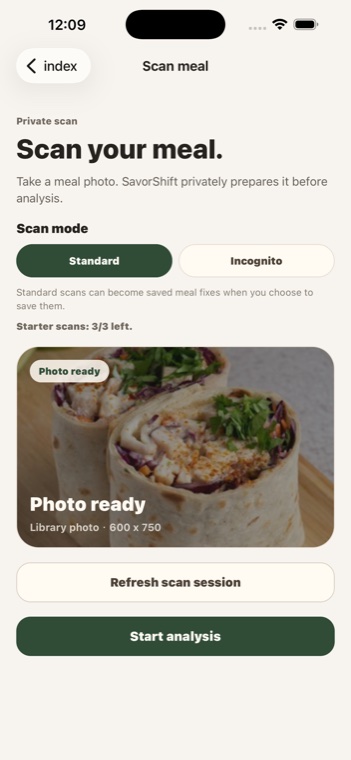
Start with a photo
Choose a meal photo or take one in the app. The scan is prepared before analysis.
Turn meal photos into lighter recipe swaps.
Currently available for iPhone in the United States, Canada, the United Kingdom, Australia, and New Zealand.
SavorShift starts from the meal in front of you and turns the scan into practical, cautious guidance instead of rigid food logging.
Choose a meal photo or take one in the app. The scan is prepared before analysis.
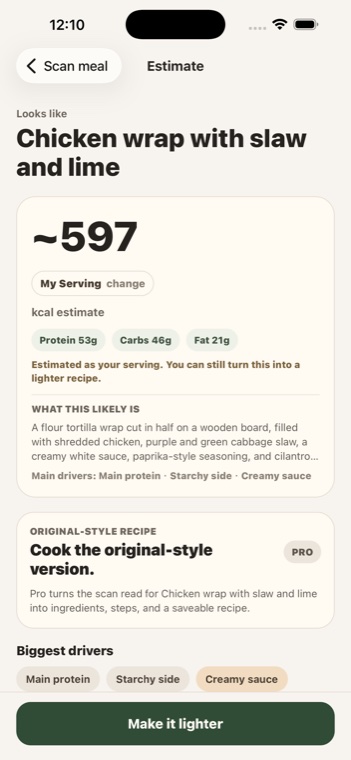
See likely calories, macros, and the visible ingredients that drive the estimate.
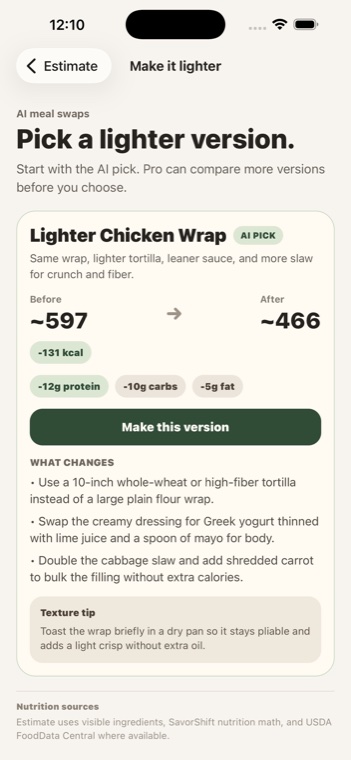
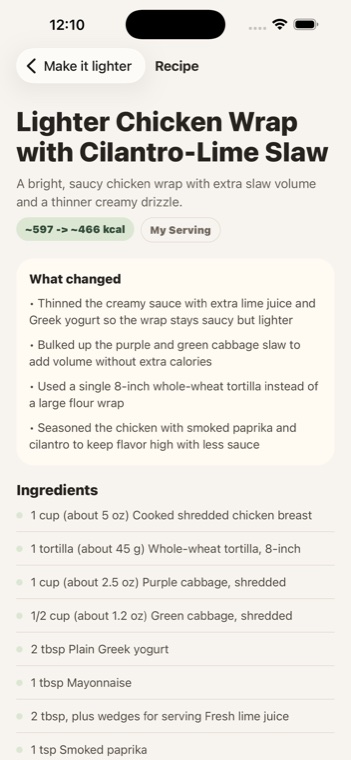
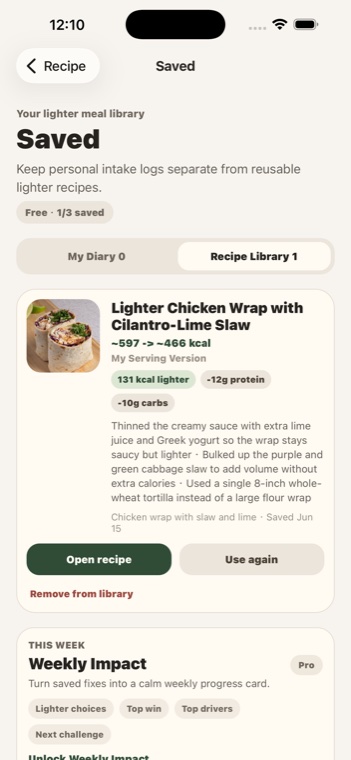
Turn the same food idea into a lighter recipe you can save and make again.
These guides give Google and AI answer engines clear, crawlable examples of what SavorShift helps with.
Keep the creamy pasta idea while reducing the heavy cream and oversized portion.
Build a takeout-style bowl around protein, vegetables, and easier sauce choices.
Shift the balance toward vegetables and protein without losing the comfort-food feel.
These are the screens I would lead with on Product Hunt and the App Store.
The current release is iOS-only and available in the United States, Canada, the United Kingdom, Australia, and New Zealand. Android and additional regions are not live yet.